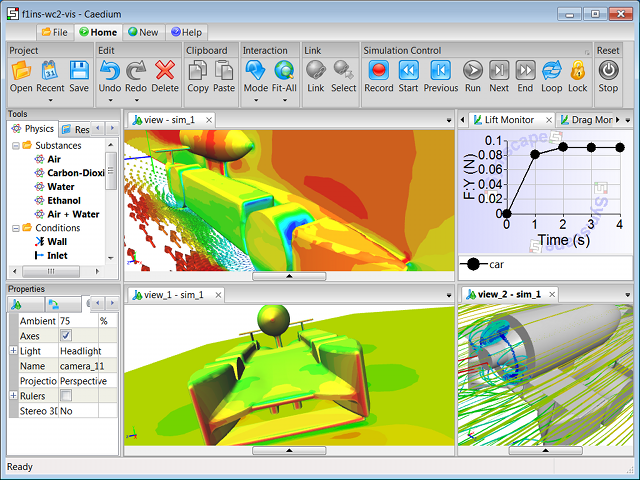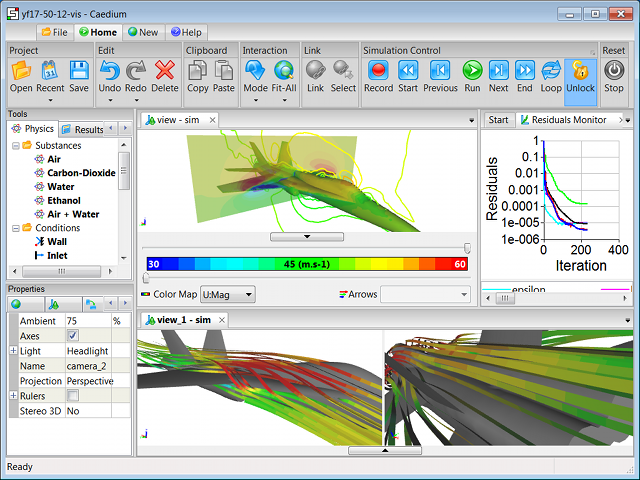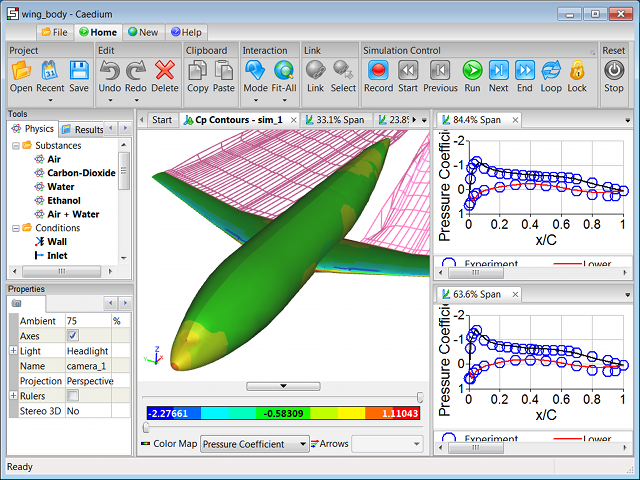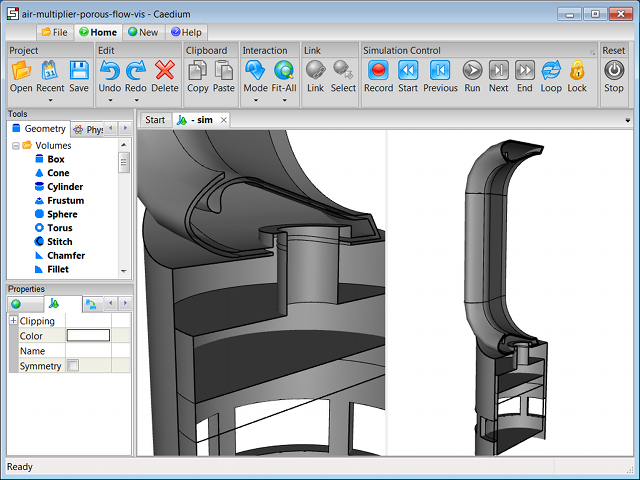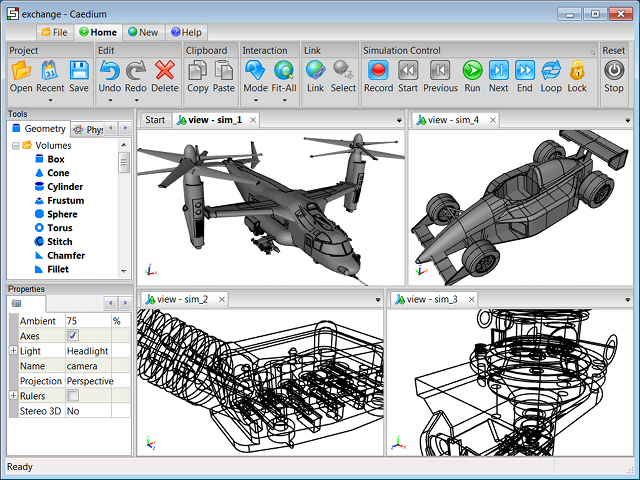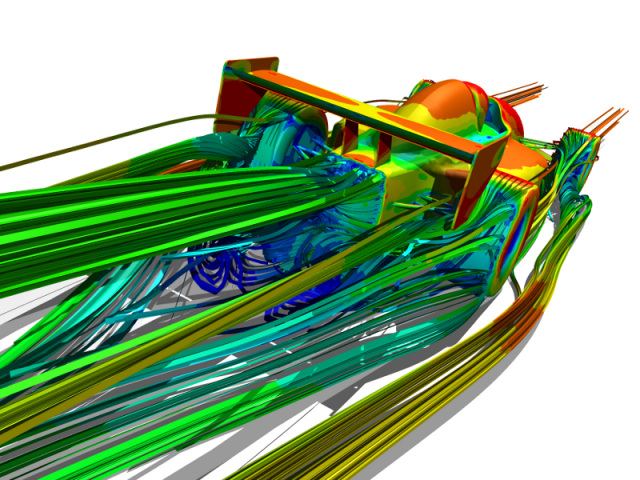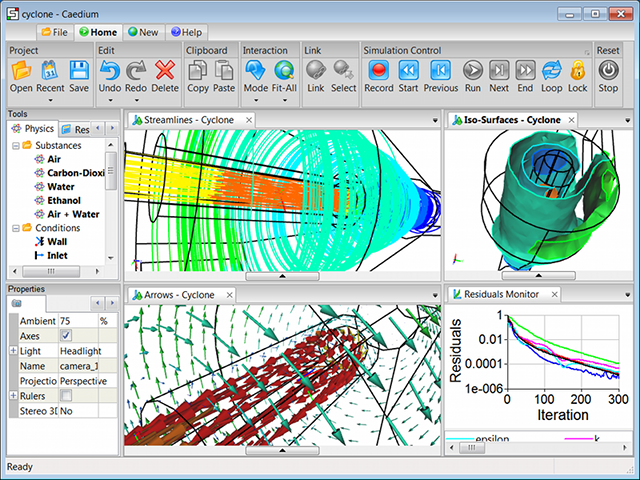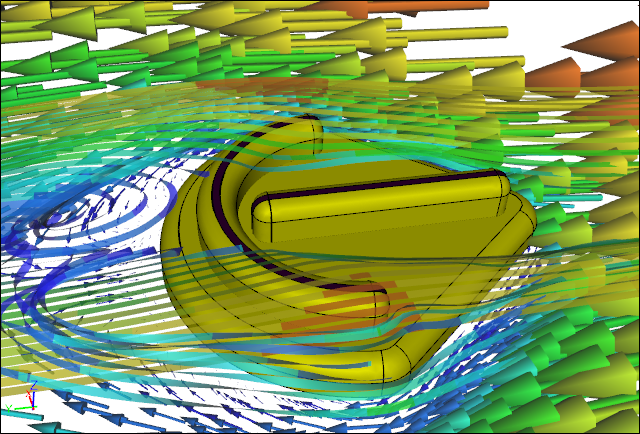
SymLab is our affordable, easy-to-use, expandable Computer-Aided Engineering system. Using our SymLab system you can assess the aerodynamic performance of concept designs by creating geometry, simulating fluid flow, and visualizing results under both steady-state and transient conditions.

Welcome

SymLab

Our free SymLab download provides a unified simulation environment for Computer-Aided Engineering (CAE) that is easy to learn and fun to use.

SymLab In ActionSymLab In Action

Use this free package to share 3D Computational Fluid Dynamics (CFD) simulation results for interactive viewing. SymLab supports multiple simulations, multiple 3D views of a simulation, and up to 4 camera angles of a view.

Expand SymLab's capabilities by purchasing affordable subscriptions to SymLab add-ons (described below). All the SymLab add-ons seamlessly interact within the same unified simulation environment.

SymLab Professional

For a complete concept design analysis system, consider our Professional add-on, which combines all our add-ons at a discounted price.

SymLab Panel Flow

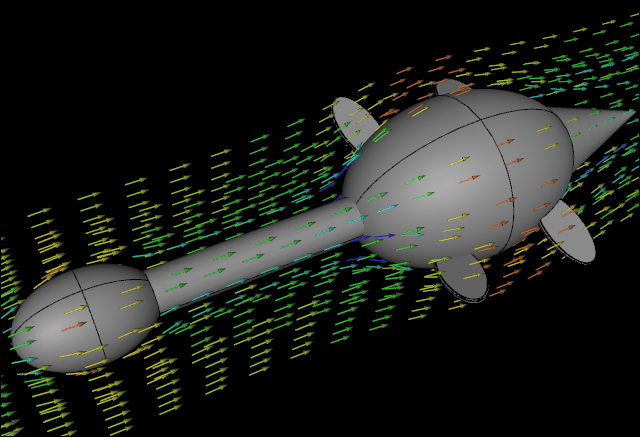
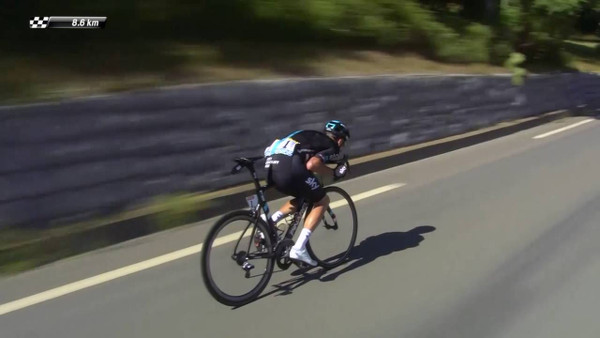
Simulate 3D airflow over racing cars or evaluate the aerodynamic performance of airplane wings and airfoils with respect to their lift and form drag forces using our Panel Flow add-on. This add-on uses a panel method that assumes inviscid flow to rapidly solve surface-based potential-flow equations. Panel methods are ideal for analyzing subsonic fluid flow (e.g., air, water) over streamlined shapes such as cars, airplanes and submarines.

Airflow SimulationAirflow Simulation

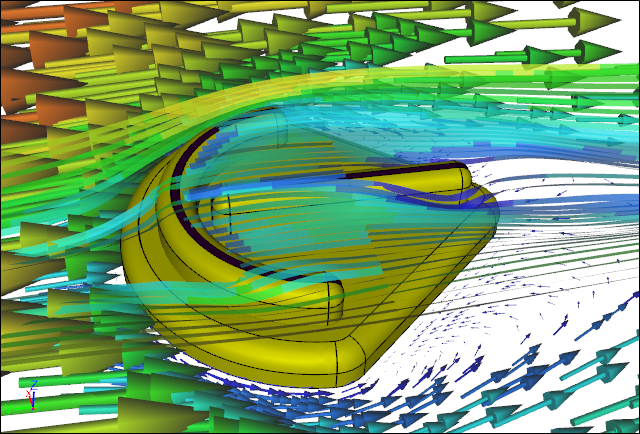
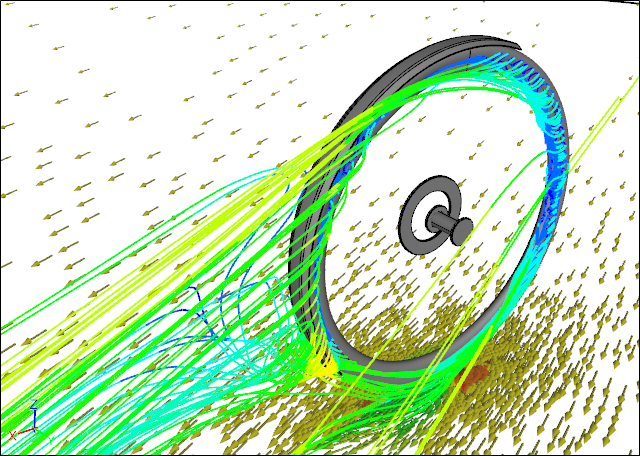
Our seamless integration of advanced 3D visualization techniques within SymLab such as streamlines, vectors, iso-surfaces and contours makes it easy to extract and share stunning fluid-flow images. 2D XY plotting is also an integral part of the Panel Flow add-on making it easy to compare results with other SymLab simulations or with imported results such as those from wind tunnel experiments.

SymLab Builder

Create your own geometry or modify existing designs using our 3D solid modeling, NURBS-based Builder add-on. Using advanced boolean operations such as unite, subtract and intersect, rapid geometry construction is easy.

SymLab Transient

Simulate time-dependent flow with geometry motion using our Transient add-on. Then review your transient flow results in real-time using familiar multimedia-like controls.

SymLab Exchange

Import and export geometry in standard IGES (.igs), STEP (.stp) and faceted file formats using our Exchange add-on. Combine imported geometry with geometry created using our Builder add-on.

SymLab Viz Export

Create stunning photo-realistic images using lights and shadows for fun or marketing with our Viz Export add-on that exports POV-Ray (.pov) and Renderman (.rib) file formats. Also share 3D views in standard Alias/Wavefront (.obj) and VRML (.wrl) file formats with other visualization systems.

View Exported to POV-RayView Exported to POV-Ray

Free Trials

Our software is available to download and install directly from this website. We offer straightforward free 30-day trials and affordable subscriptions for SymLab add-ons.

Automated Payment

Our automated, secure payment system uses:
What is PayPal?

As soon as your payment clears you will receive an email with your product activation key. Simply enter the activation code in SymLab to unlock and use your new SymLab add-on.

Fluid Dynamics and Perfect Espresso

A perfect espresso is more a function of science than art - contrary to many people's experience. The majority of the processes required to turn green coffee beans into a delicious espresso is dominated by fluid dynamics.

OpenFOAM on Windows

OpenFOAM is a versatile open-source multi-physics simulation toolbox. It can simulate fluid flow (CFD), solid dynamics and electromagnetics (CEM). OpenFOAM was originally developed for Unix platforms, such as Linux, and until now there has not been a method for producing a native Windows version.

Overview: Geometry To Results

All Computer-Aided Engineering (CAE) analysis software, including SymLab, proceeds from geometry creation or import through physics specification to results analysis. This general process is reflected in the 3 major categories in the SymLab Tool Palette. Each phase has a specific role to play in an analysis, as outlined in this article. The simulation process description that follows assumes you are using SymLab Professional (Pro).

Geometry Exchange

If you are one of the lucky few that creates native geometry within a standalone Computer-Aided Engineering (CAE) analysis tool or within a single Computer-Aided Design (CAD) system with embedded CAE analysis tools, then stop reading now. Just a moment though, even if you have embedded CAE tools within your CAD system, but you import geometry for analysis you will still face geometry exchange challenges.

SymLab v1.2 Released for Linux and Windows

We are pleased to announce our latest SymLab release (v1.2) now supports Linux as well as Windows. SymLab is a unified simulation environment which can be extended using add-ons, such as our Professional add-on, into a complete Computer-Aided Engineering system for fluid flow analysis.

Future of Commercial CFD

Having covered the Origins of Commercial CFD and the Evolution of Commercial CFD it seems only fitting that I stick my neck out and provide predictions on the future of CFD. Let's start by extrapolating from recent events and use the analogous CAD market as a reference.

Flow Over an Airfoil

Simulate the flow of air over a NACA 4415 airfoil. Compare the simulation results with experimental data.

Cadalyst Article: Analysis for the Masses with CAE 2.0

Symscape and SymLab recently hit the headlines in an article by Jeffrey Rowe for Cadalyst entitled Analysis for the Masses with CAE 2.0. The article draws parallels between the Web 2.0 movement, typified by websites such as YouTube, and our Computer-Aided Engineering for All mantra.

Internal Flow

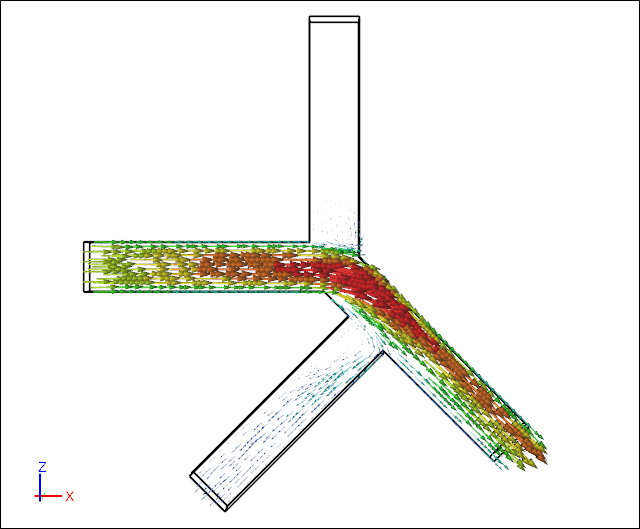
Simulate internal flow by creating two boxes, stitching them together, and specifying the physical conditions for your simulation. Then view velocity vectors and particle tracks inside the volume.

Syndicate content