

Texture Mapping
Texture mapping is a simple technique to make a 3D model more realistic. It is also a great way to brand either a 3D model or an image with a logo. It is even useful for arranging multiple images within a 3D composite image.
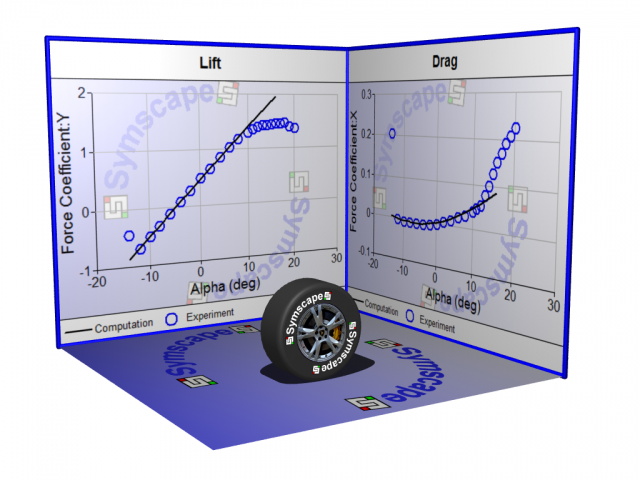 Texture Mapped Image: Rendered in POV-Ray
Texture mapping is analogous to adding decals to an Airfix plastic model. An image is simply placed on a background or geometry face in a scene. The technique is well known and used in game and movie animation. It is relatively new to the Computer-Aided Engineering (CAE) analysis community. So let's discuss some ideas for texture mapping.
Adding Details
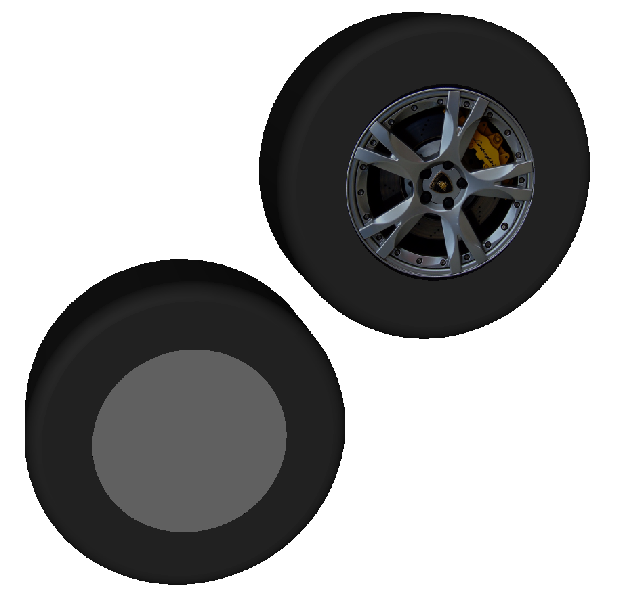 Texture Mapped Wheel Center
Starting with a simple cylinder, say you want to make it look like a wheel. You have two options, either model the wheel directly or find a picture of a wheel and paste (texture map) it onto the center of the cylinder as shown in the figure above. Clearly, if your simulation requires accurate modeling of the wheel, then you need to model it. However, if not, then pasting an image onto the cylinder will save you a lot of effort and time.
Adding a Logo
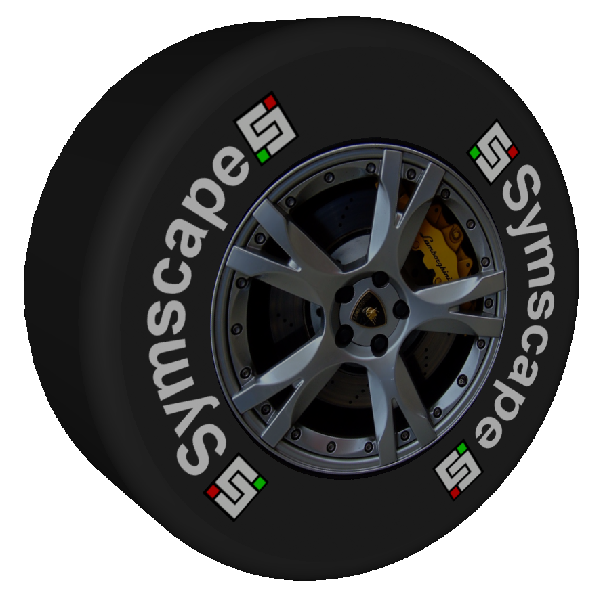 Texture Mapped Logo
A logo can be added onto a 3D model in exactly the same way as just described for adding the wheel detail onto a cylinder – simply get a picture of the logo and paste it onto your model as shown in the figure above. If you want to brand the entire scene with a logo, then incorporate the logo into a picture that can serve as a background and add it to the scene as shown in the figure below.
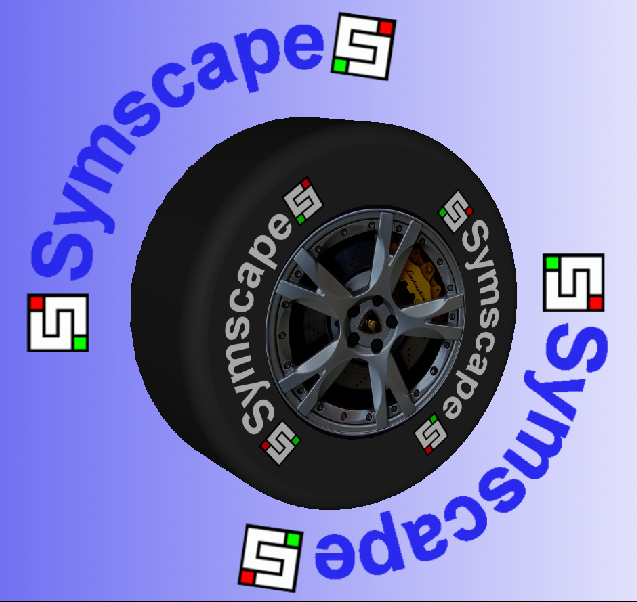 Logo in a Background
3D Composite Image
Another interesting use for texture mapping is to use images (such as plots) mounted on virtual billboards within a 3D scene that also includes your 3D model, as shown below. The plots are simply pasted onto geometry faces with the same aspect-ratio as the original plots (to avoid distortion) and arranged in 3D space around the 3D model. If you are feeling adventurous you could try animating the billboards too.
Ray|link=node|align=center|width=320|height=240]
3D Composite Image: Rendered in POV-Ray
Final Image
For a high-quality final image with lighting and shadows, consider using a ray-tracer such as POV-Ray, which can produce high resolution images – up to real billboard sizes if you want.
Try it for Yourself
Caedium and its Professional add-on are a great combination to experiment with texture mapping and 3D image compositing. Find out how to Use an Image as a Background.
No doubt you'll soon discover more novel image combinations than I've described here.
Feedback
Questions? Ideas? Problems?

Recent blog posts
- CFD Simulates Distant Past
- Background on the Caedium v6.0 Release
- Long-Necked Dinosaurs Succumb To CFD
- CFD Provides Insight Into Mystery Fossils
- Wind Turbine Design According to Insects
- Runners Discover Drafting
- Wind Tunnel and CFD Reveal Best Cycling Tuck
- Active Aerodynamics on the Lamborghini Huracán Performante
- Fluidic Logic
- Stonehenge Vortex Revealed as April Fools' Day Distortion Field
 Get our Blog feed
Comments
Symscape Race Car
Another texture mapped example using Symscape logos on a glass race car.